Themes
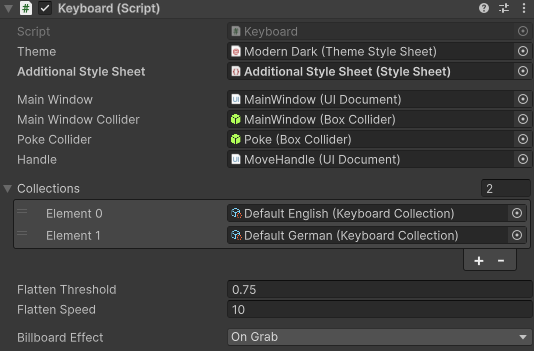
The Keyboard includes multiple themes. You can also create your own theme or customize an existing one.
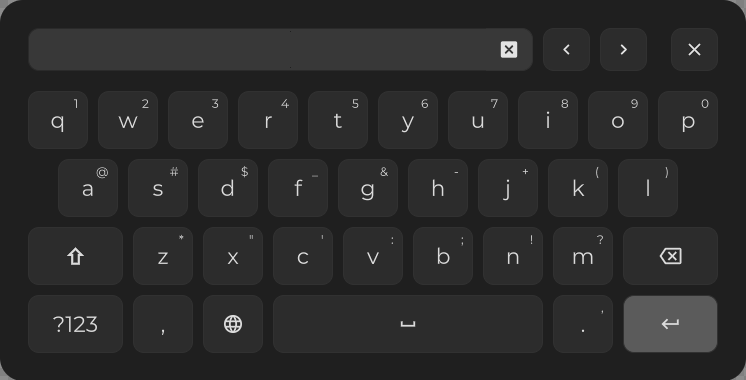
Modern
The default theme used by the Keyboard.
Dark
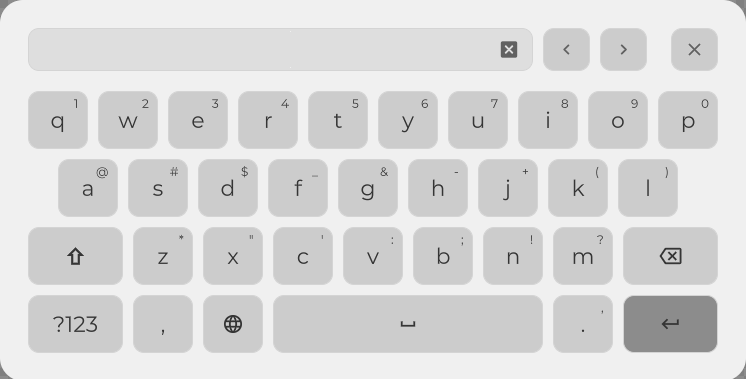
Light
Base
This theme serves as a foundation for custom themes. It provides a minimal layout along with USS variables that can be modified.
Creating Custom Themes
To create a custom theme:
Create a TSS theme file that inherits from the
Basetheme.Create a USS style sheet with your style and assign it to the TSS theme file.
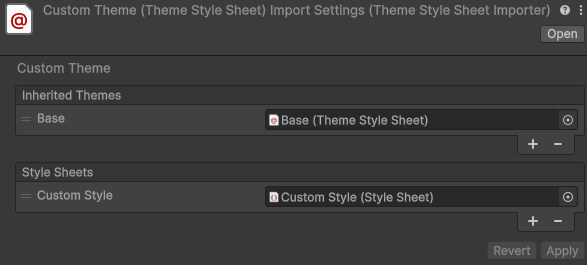
You can then apply your custom theme to the Keyboard prefab.
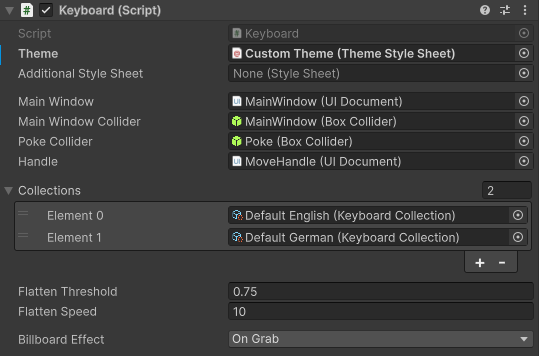
Adapting Existing Themes
If you only want to quickly change an existing theme you can use the “Additional Style Sheet” field of the Keyboard script.